Exploring Location Insights Follow

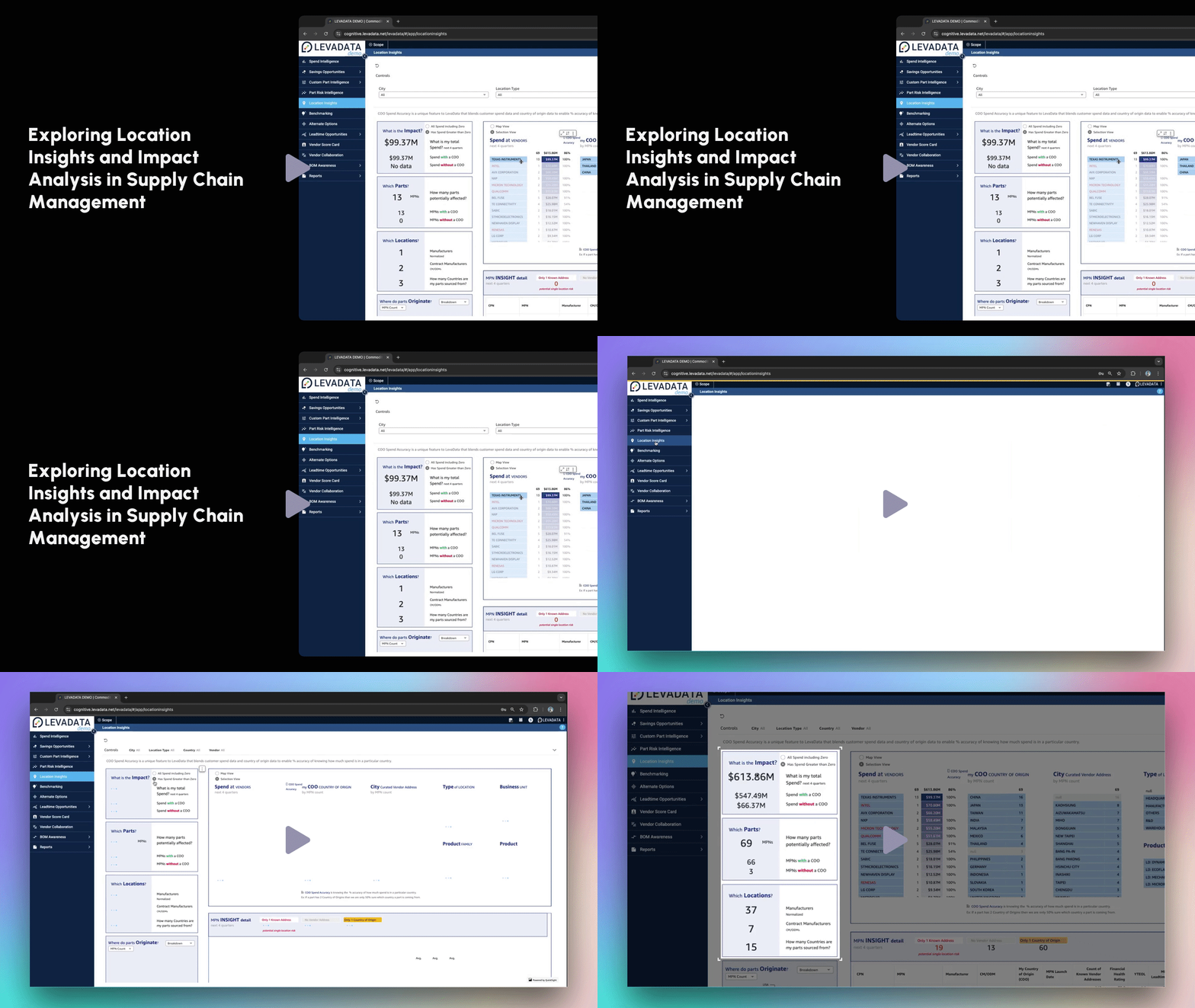
In this video, we will explore how to access and analyze location insights for effective supply chain risk management.
Accessing Location Insights
Click on Location Insights located in the menu on the left-hand side of the screen.
Understanding the Dashboard
On the left side of the screen, you will find a summary of your spend, manufacturing part numbers, and manufacturers based on the country of origin data availability.
Total Spend Widget: Displays the total spend with country of origin information.
Unique Manufacturing Part Numbers Widget: Shows the number of unique manufacturing part numbers with country of origin mapped.
Manufacturers Summary Widget: Provides a summary of manufacturers and contract manufacturers with country of origin information, including the total count of different countries you are purchasing from.
Using Filters
At the top, you have a set of filters to refine your search:
Select a city from the drop-down menu to know which manufacturers have locations there.
Search for manufacturers based on country.
Select a specific manufacturer if you already know the one you are interested in.
Spend Summary by Manufacturers
Scrolling down, you will see the spend summary by manufacturers, including:
Summary of unique manufacturing part numbers based on the country of origin.
Information here acts as filters. For example, selecting Texas Instruments will filter all data to show only Texas Instruments-related information.
Viewing Manufacturer Details
After selecting a manufacturer like Texas Instruments, you can view:
Spend, manufacturing part numbers, and countries of origin for the chosen manufacturer.
Manufacturing facilities' locations categorized by country of origin.
Manufacturing Part Numbers Insights Detail
In this section, you will find:
A list of all your CPNs and MPNs affected, along with the manufacturer and QAMs where they are used.
Country of origin information, with multiple countries separated by a comma (e.g., Japan, Thailand).
Risk Information
You can also view risk information for parts, such as:
End-of-life status and lead times.
Total spend for each part, allowing you to assess impact and prioritize key MPNs.
Incident Impact Assessment
In case of an incident, such as a natural disaster in a city like Shanghai, you can:
Identify affected manufacturers and parts.
Assess impact and plan to mitigate risks to your production schedule.
Summary
This section allows you to view your supply chain network, easily identify manufacturers and part numbers, and assess their risk, spend, and impact based on the country of origin.
Thank you for exploring location insights for supply chain risk management.
Comments
0 comments
Please sign in to leave a comment.