Part Risk Intelligence Follow

Part Risk Intelligence provides visibility into product, manufacturer, and part-level risks across your BOM, helping teams quickly identify lifecycle, supply, and financial vulnerabilities. The dashboards use interactive filters and risk thresholds to surface critical issues and guide proactive mitigation. Includes a video walkthrough and links to workflow-specific use cases.
Part Risk Intelligence helps supply chain, sourcing, and engineering teams quickly identify part-level, manufacturer-level, and product-level risks across their BOMs. These insights support proactive planning, risk mitigation, and stronger sourcing strategies.
This article provides an overview of how the interactive dashboards work and how to interpret the filtering controls used to explore risk exposure. For a full walkthrough of Part Risk Intelligence, watch the feature demonstration video here: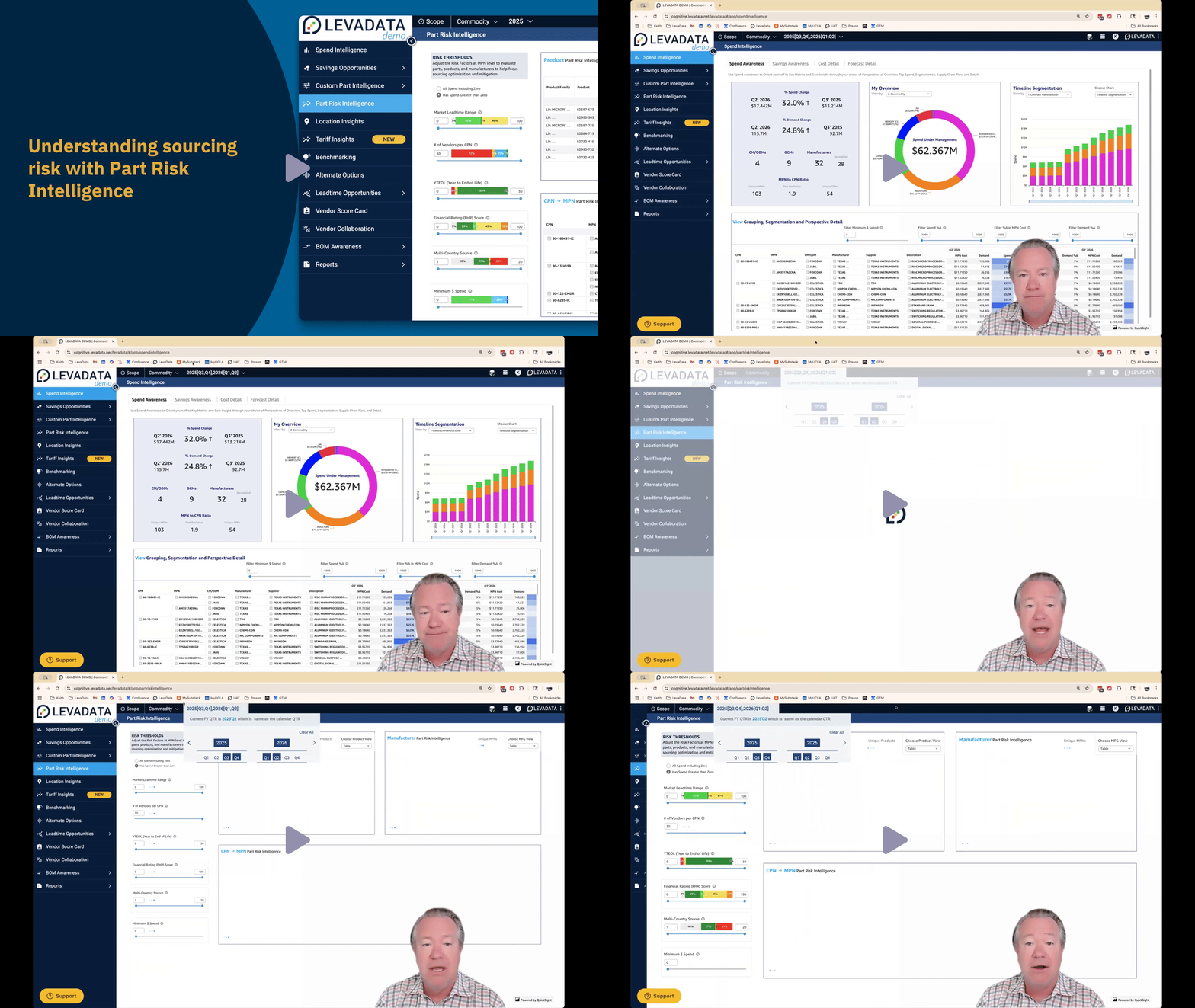
What is Part Risk Intelligence?
Part Risk Intelligence includes three interactive dashboards, each offering a unique view of risk:
Product Risk
Manufacturer Risk
Part Details
These dashboards work together to help you:
Understand where risks may disrupt your supply chain
Identify parts nearing end-of-life
Evaluate manufacturer financial stability
Pinpoint single-source dependencies
Prioritize components needing immediate action
How Data Is Calculated
Across all three dashboards, the following rules apply:
Spend and Part Count → Summed
Ratings, Years to End of Life (YTEOL), and Lead Times → Averaged
This creates a consistent, high-level risk roll-up across products, manufacturers, and parts.
Understanding Key Metrics
To aid interpretation, you can hover over any slider’s (i) tooltip to read its definition.
Common metrics include:
Years to End of Life (YTEOL): Estimated remaining production lifespan.
Financial Health Rating: Evaluation of supplier stability (via RapidRatings).
Lead Time: Average time required for fulfillment.
Risk Rating: Composite view of lifecycle, supply, and sourcing risk indicators.
Filtering Risks Using Horizontal Bars & Sliders
Part Risk Intelligence includes two filter types that work differently:
1. Horizontal Bar Filters (Exact Match)
These colored bars represent specific data values.
Click any colored segment to filter the dataset to only parts with that exact value.
Hover to view a description of the range represented by the segment.
Grey areas indicate no data coverage for that value range. If you want to include potentially missing or undefined risks, use the sliders below.
2. Soft Sliders (Range-Based Filter)
The sliders beneath each horizontal bar allow you to filter by a range of values.
When using sliders, the results include:
All parts within the selected range
All parts with undefined values (to ensure potentially risky unknowns are not excluded)
This mechanism supports a more inclusive “risk exploration” workflow.
Why Grey Areas Matter
Grey segments on the horizontal bars indicate missing or unmapped data. These gaps may signal:
Limited manufacturer reporting
Inconsistent lifecycle data
Unknown risk areas worth investigating
Use the sliders to include these unknowns—especially important for risk-averse or critical component reviews.
Using the Dashboards Together
The three dashboards are designed to provide layered visibility:
Product Risk: Identify which products are most exposed.
Manufacturer Risk: Evaluate supplier stability and dependency concentration.
Part Details: Drill down to individual components for sourcing or engineering action.
Use Cases
Explore step-by-step guidance for common workflows:
Identify high-risk parts and manufacturers
https://levadatasupport.zendesk.com/hc/en-us/articles/24069598861453Find long lead-time parts near end-of-life
https://levadatasupport.zendesk.com/hc/en-us/articles/24070518602765Spot single-source suppliers with financial instability
https://levadatasupport.zendesk.com/hc/en-us/articles/24071154726669
Key Takeaways
Three dashboards provide visibility at product, manufacturer, and part levels.
Horizontal bars = exact filters; sliders = range filters including unknown data.
Grey areas represent missing coverage—important for understanding potential blind spots.
Tooltips provide definitions of every risk metric.
Designed to accelerate risk detection and sourcing decision-making.
Conclusion
Part Risk Intelligence gives teams the visibility they need to proactively assess and address risk across their supply chain. By combining lifecycle data, financial signals, dependency mapping, and flexible risk thresholds, this feature helps you make resilient, informed sourcing decisions.
Comments
0 comments
Please sign in to leave a comment.