Using Opportunity Insights Follow

Leveraging Benchmark Opportunity Insights for Favorable Vendor Negotiations
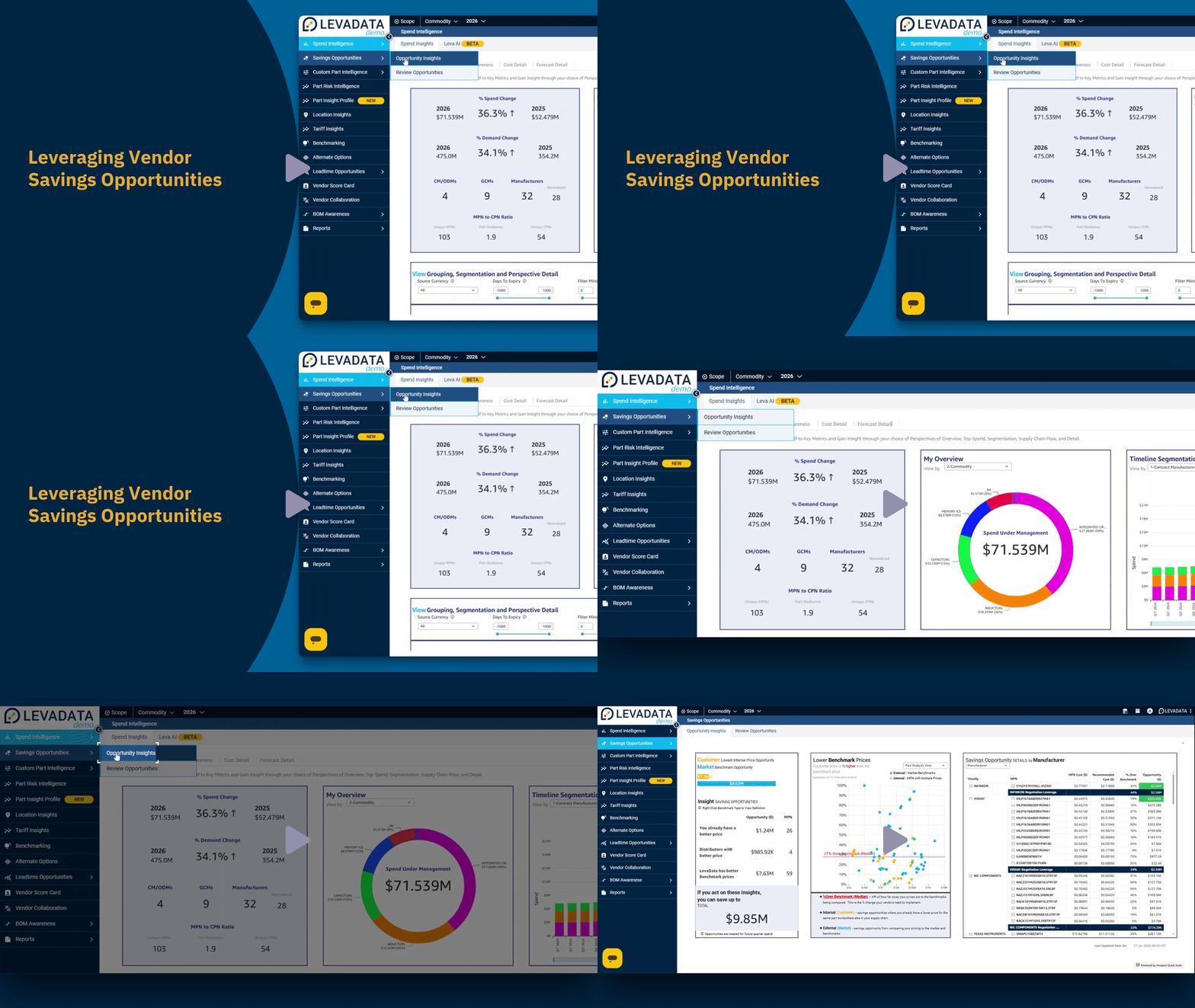
In this video, we will explore how to leverage benchmark opportunity insights for favorable vendor negotiations. Users can find various forms of benchmark savings opportunities via internal price variants or external market benchmark prices.
Understanding Benchmark Savings Opportunities
External benchmark prices can provide guidance on what MPN (Manufacturer Part Number) should cost. The difference from a user's price is a savings opportunity. A single MPN can have multiple prices, creating savings opportunities if all purchases of that MPN use their lowest price. The percent difference above a benchmark reveals the potential cost reduction you can request from your suppliers, eliminating the need to argue over a precise price target for every component.
Steps to Leverage Benchmark Insights
Internal Benchmark Types: Click on internal benchmark types where you already have a lower price and enforce that lower part price with your partners.
External Benchmark Types: Click on external benchmark types to compare to lowest distributor prices and market benchmarks.
Vendor Savings Opportunity: Click on the Teoyudan manufacturer name in the vendor savings opportunity section to view opportunities related to that manufacturer.
Opportunity Review: Stay on top of your opportunity review by accepting, holding, or rejecting opportunities.
Totals Drop-Down Menu: Click on the totals drop-down menu in the opportunity workflow status section to select different total values.
Search Value: Enter a search value in the search value field in the commodity manager owner section to filter the results.
Vendor Filter: Click on the vendor drop-down menu in the vendor savings opportunity section to filter opportunities by vendor.
Commodity Filter: Click on the commodity filter drop-down in the commodity savings opportunity section to filter by commodity.
Product Filter: Click on the product filter drop-down in the commodity savings opportunity section to filter by product.
Select Passives: Select passives from the commodity filter drop-down in the commodity savings opportunity section.
Select Contract Manufacturer: Select contract manufacturer from the drop-down menu in the filter section.
Vendor Savings View: Click on the vendor savings view drop-down and select MPN details to view details by part number.
Negotiation Summary: Click on the vendor savings view drop-down and select negotiation summary to view the negotiation summary.
MPN Details Filter: Click on the MPN details filter to switch the view to a detailed list of MPNs and negotiation leverage per part.
Sort by Opportunity Dollar: Click on the sort by opportunity dollar option in the drop-down menu to sort the table.
Collapse Table View: Click on the collapse option in the drop-down menu to collapse the table view.
Change Table View: Select negotiation summary from the vendor savings view drop-down menu to change the table view. Click on the vendor savings view drop-down menu again and select a different view option to change the table view.
By following these steps, you can effectively leverage benchmark opportunity insights to negotiate more favorable terms with your vendors.
Comments
0 comments
Please sign in to leave a comment.