How can LevaData help me prepare for a meeting with a Supplier? Follow

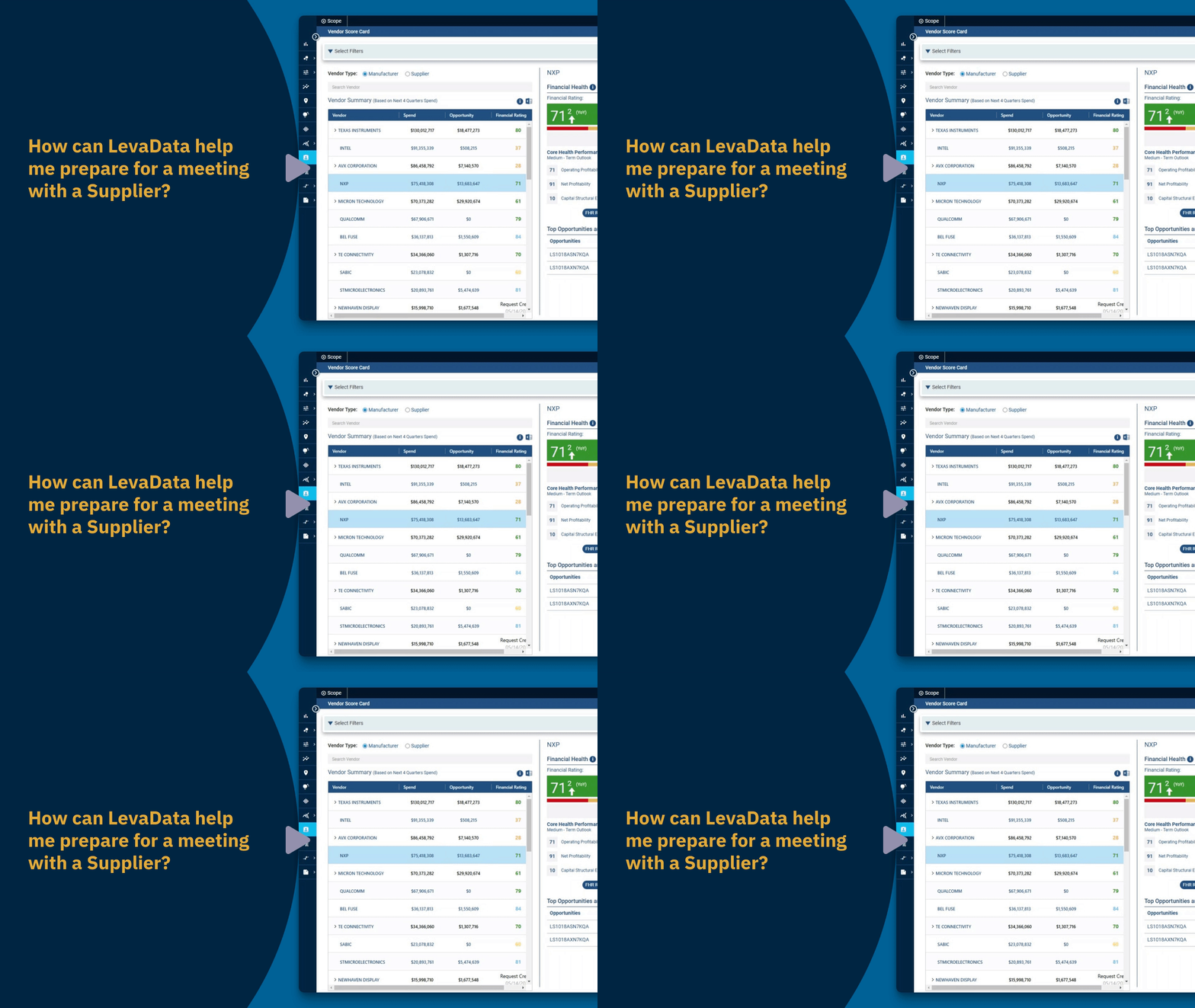
In this video, we explore how Levadata can assist you in preparing for a meeting with a supplier. We'll delve into the features of the Vendor Scorecard, which offers a comprehensive spend and savings summary, insights into trends, and financial ratings to evaluate supplier health. These tools help you identify opportunities and risks, enabling proactive actions.
Utilizing the Vendor Scorecard
Select Vendor Scorecard: Begin by selecting Vendor Scorecard from the left navigation menu.
Vendor Summary Table: This table includes all your suppliers and manufacturers, forecasted spend over the next four fiscal quarters, a summary of current savings opportunities, and their financial health rating from Rapid Ratings.
Spend and Savings Trend Chart: By selecting a specific vendor, the chart is filtered to display relevant information, providing insights into spending and savings patterns.
Financial Health Assessment
Financial Health Section: Levadata provides a financial health rating, a proprietary metric developed by Rapid Ratings, assessing a company's long-term financial stability and overall viability.
Public Companies Insights: Observe recent stock performance, changes over the last year, and the date of the next earnings release.
Expand Financial Details: Hit the expand arrows to reveal further financial health details from Rapid Ratings.
Core Health Score: Provides a medium-term assessment of a company's operational and financial health.
Resiliency Indicators: Evaluate a company's ability to withstand and recover from disruptions.
Access Full Reports: Click on FHR Report to access Rapid Ratings' full report and the Rapid Ratings Finance Dialog reports.
Exploring Spend and Opportunities
Vendor Summary Spend: Clicking on the spend opens another browser tab in Spend Intelligence, automatically filtering for the selected vendor.
Review Opportunities: By choosing the opportunity amount, you will be redirected to the Vendor Scorecard to examine potential savings opportunities.
Opportunity Insights Dashboard: The Opportunity column within the Top Opportunities and Risk Table redirects you to this dashboard, filtered on the selected part.
Assessing Part Lifecycle and Location Risks
Part Risk Intelligence: Examine part lifecycle risk factors by navigating to this section. The scope filter on the selected vendor shows only those vendors' parts.
View At-Risk Parts: Expand the Parts table to view at-risk parts, considering elements like end-of-life, single-sourcing, or long lead times.
Location Insights: Navigate to assess the countries of origin for your vendor's parts, crucial for managing potential supply chain disruption risks.
We appreciate you tuning into this video, which demonstrates how to leverage different Levadata features to improve your negotiation strategies with suppliers.
Comments
0 comments
Please sign in to leave a comment.